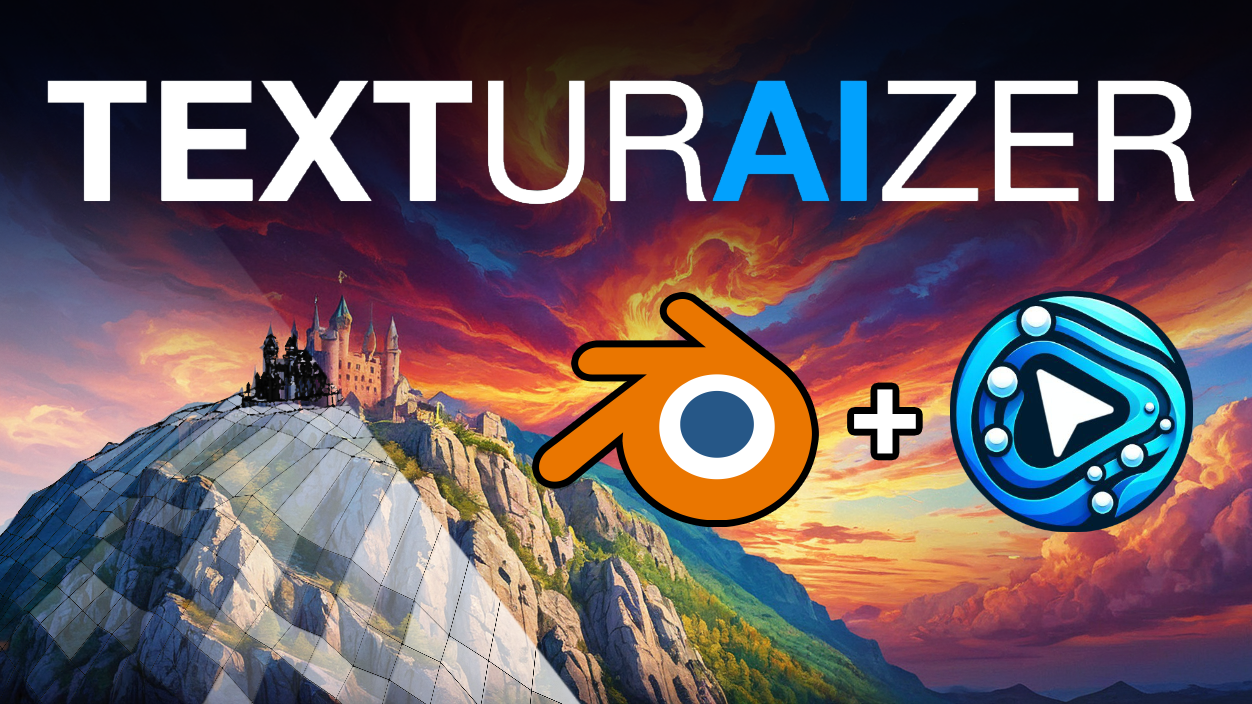
Product design
Explore a product design workflow in Blender with Texturaizer.
 Get Texturaizer
Blender × ComfyUI
Bring your designs to life with Texturaizer. Connect the precision of your 3D scene with the possibilities of AI image generation.
What is Texturaizer?
Texturaizer brings ComfyUI’s AI image generation into Blender through a streamlined, extendable interface.
Move from early ideas to detailed visualizations with your scene as a guide. Depth, normals, edges, and segmentation help carry your design intent into each generation. Give individual objects their own prompts, explore variations, and refine the result.
See it in action
A closer look at the workflows behind architectural studies, form finding, and precise visual control.
Explore a product design workflow in Blender with Texturaizer.
Explore new directions from the form and composition of your scene.
Guide individual parts of your image with prompts for objects and materials.
Iterate on a design while keeping your 3D scene at the center of the process.
Video walkthroughs, detailed documentation, and a community to learn with.
Creative control
Collect render passes in the background without interrupting your Blender workflow.
Give objects, materials, and collections their own creative direction.
Combine LoRA, ControlNet, style references, and custom ComfyUI workflows.
Browse generated images and revisit your history right where you work.
Guide generation with depth, normals, edges, and segmentation.
Connect to local AI generation and extend it with your own workflows.
Inside Blender
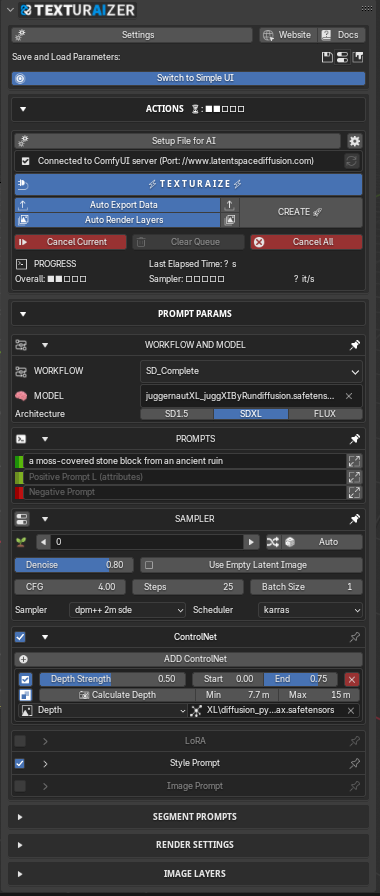
Start with a simple interface. Open up advanced controls when you need to go further.
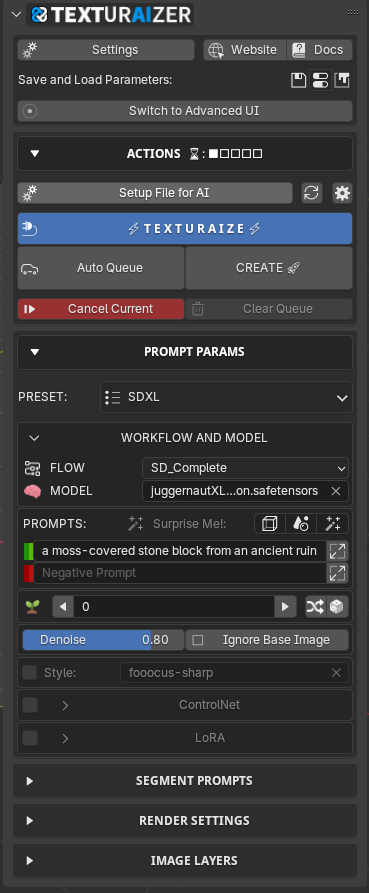
Keep the essentials close, or open up the full set of controls. Switch interfaces as you work.



One connected workflow
Behind both interfaces is the same connection to ComfyUI. Texturaizer’s custom nodes carry your Blender scene data into a built-in workflow—or one you create yourself.
See how Texturaizer uses your scene →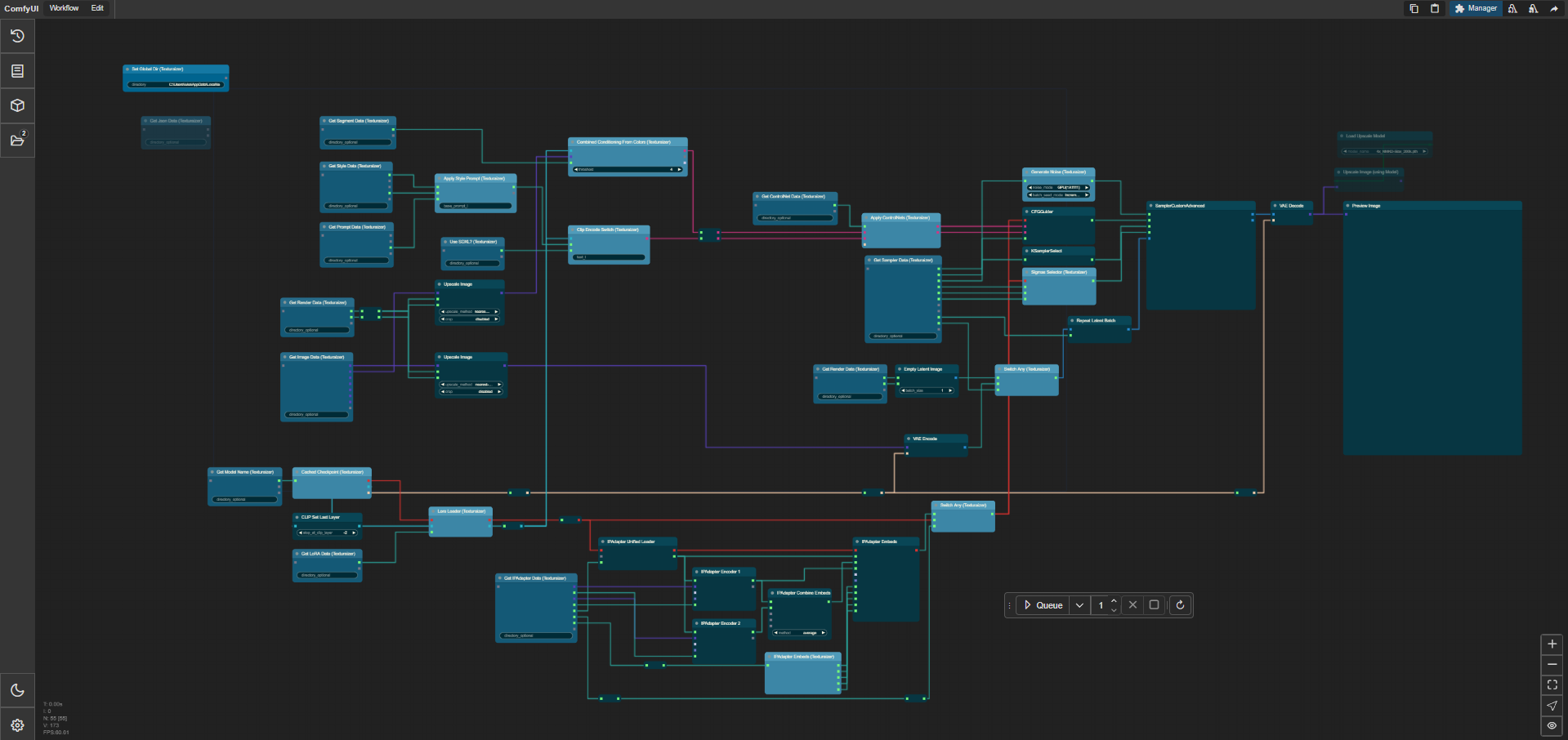
It’s all about data
Your scene carries more than geometry. Explore how segment prompts, edges, and depth guide the final image.
Hover the scene or select a segment.






a cloudy sky with a large bright sun on the horizon creating a golden sunset, thin clouds
Drag the divider to compare. Choose a data pass.
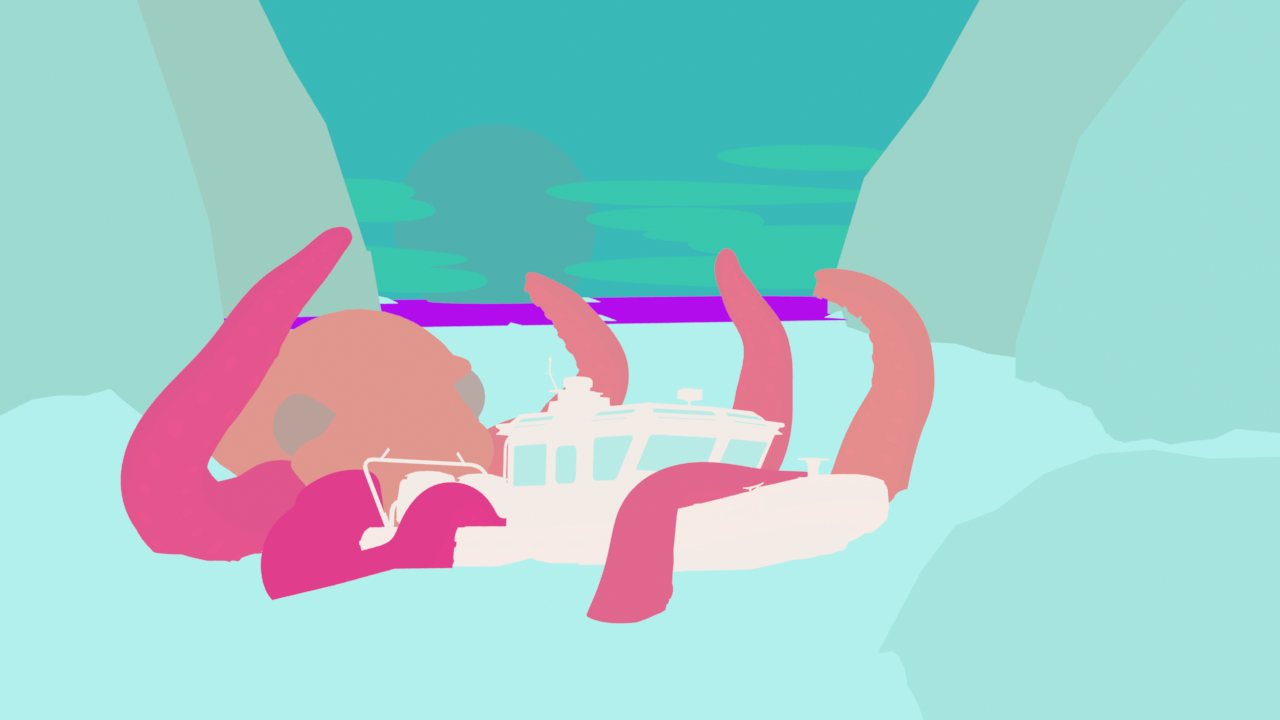
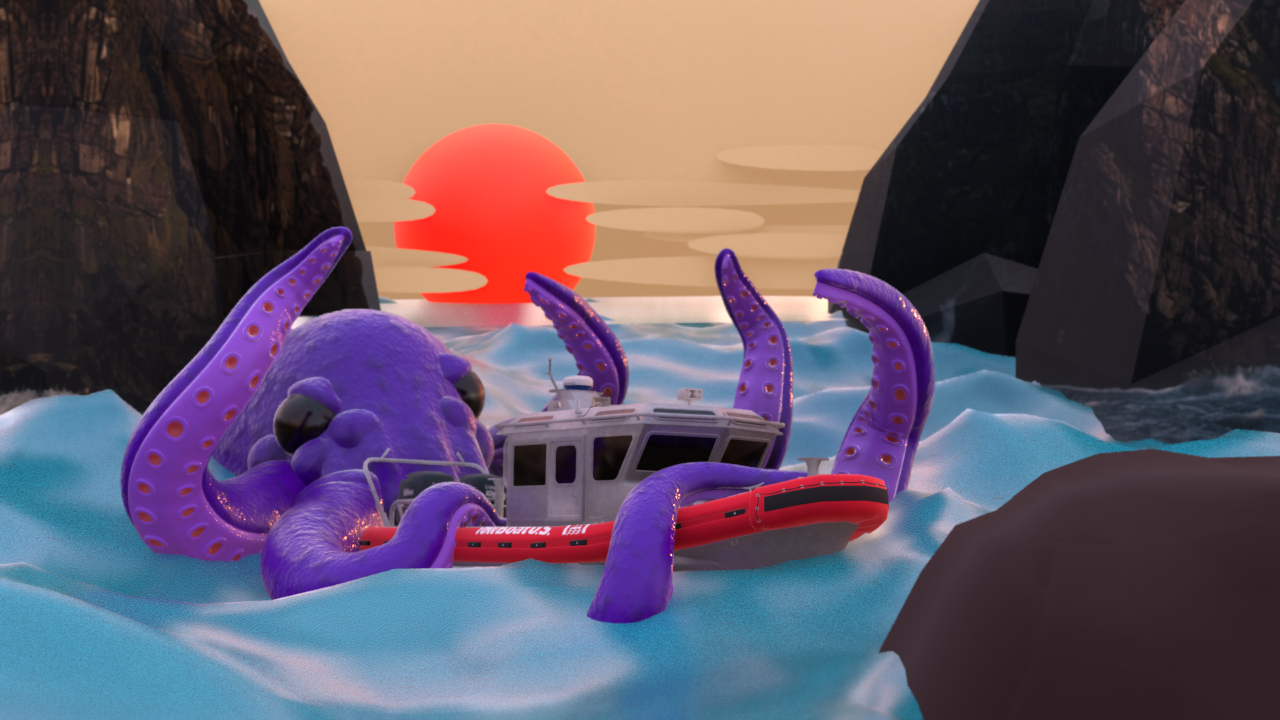
Keep the structure of your scene in the generation.
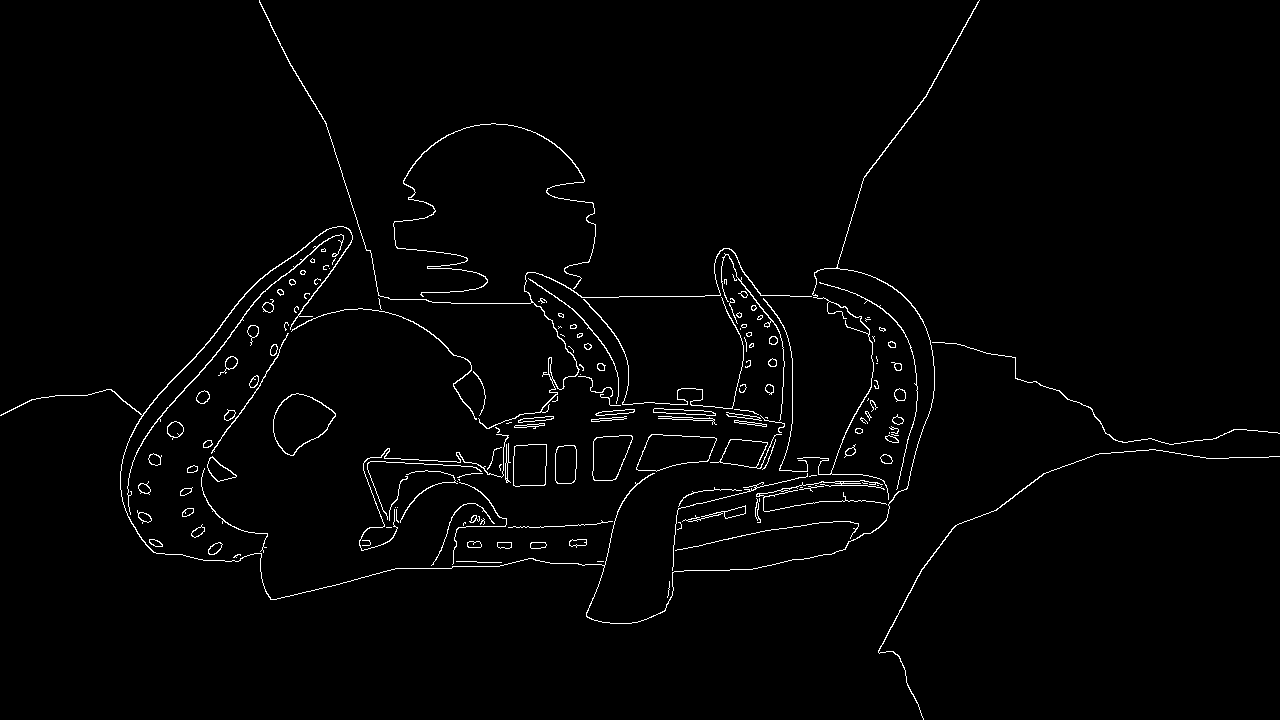
Edges describe the outlines and detail in your scene.

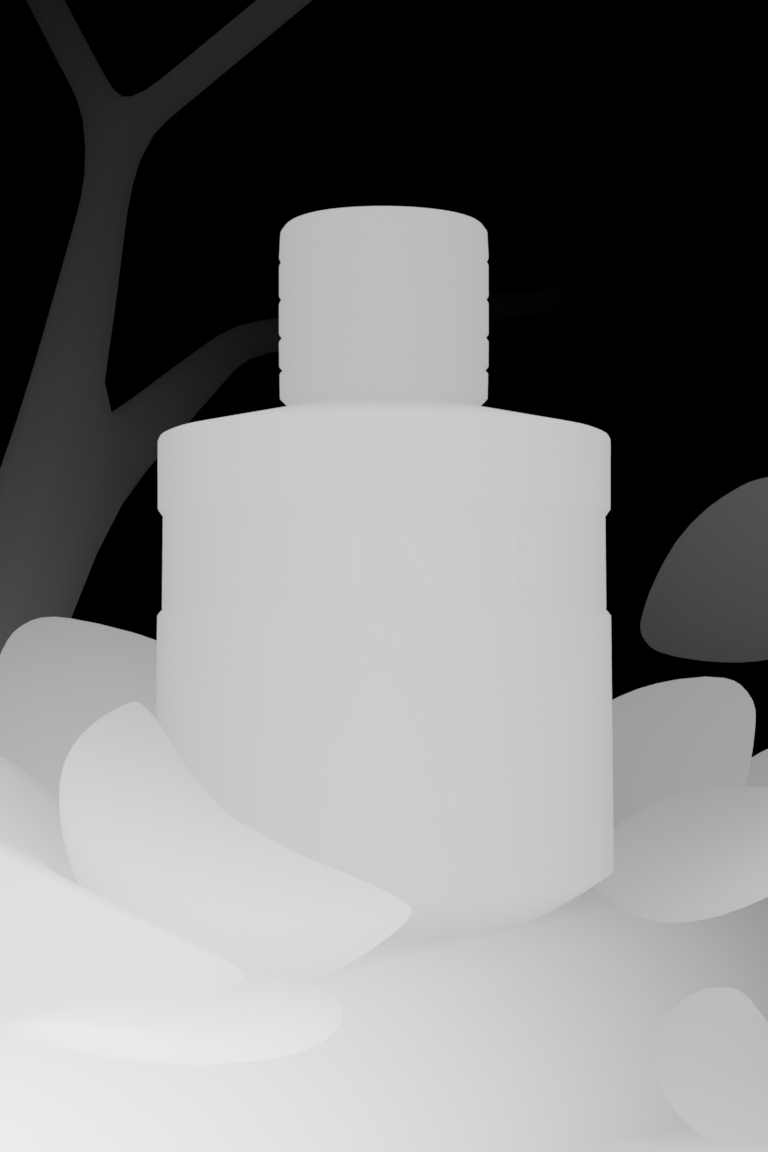
Depth communicates distance, volume, and form.
Made with Texturaizer
Architecture, product studies, imagined worlds, and everything in between.
“This plugin has been a game-changer for my workflow, saving me time and effort”
“The work done is simply amazing ... I'd give it 10 stars”
“This is the only Comfiui to Blender AI workflow that makes sense.”
“I can focus on making stuff”
“Segment prompts are a game changer. Gives way more control.”
“Developer responds quickly”

Meet the creator
A multidisciplinary software developer, designer, and researcher working across architecture, AI, visual effects, and photography. A Cornell architecture graduate, Luke’s work explores how artificial intelligence can support the design process.
Explore my portfolio ↗Share your work and connect with other Texturaizer users.